Background and problem
Imagine opening an app and immediately feeling lost.
That was the exact dilemma Keeplist users faced when they signed up. After completing the initial account setup, they were met with a generic feature pop-up and then dropped into a complex interface with little context.
Without a clear understanding of what the features meant or how to get started, users quickly felt overwhelmed. What should have been a helpful experience felt more like a hurdle.
What is Keeplist?
Keeplist is designed to help users keep tabs on everything—from your favorite restaurants, to that one song you heard as a kid, to a book you can’t wait to read. Whether it’s saving or curating collections of content, Keeplist empowers users to hold onto what matters in a flexible, personal way.
But while the value of the product was strong, the user experience didn’t reflect that.
From sign-up to stuck
Through onboarding research and early usability testing, several key friction points surfaced:
Users received repetitive feature pop-ups, always appearing mid-task and interrupting flow.
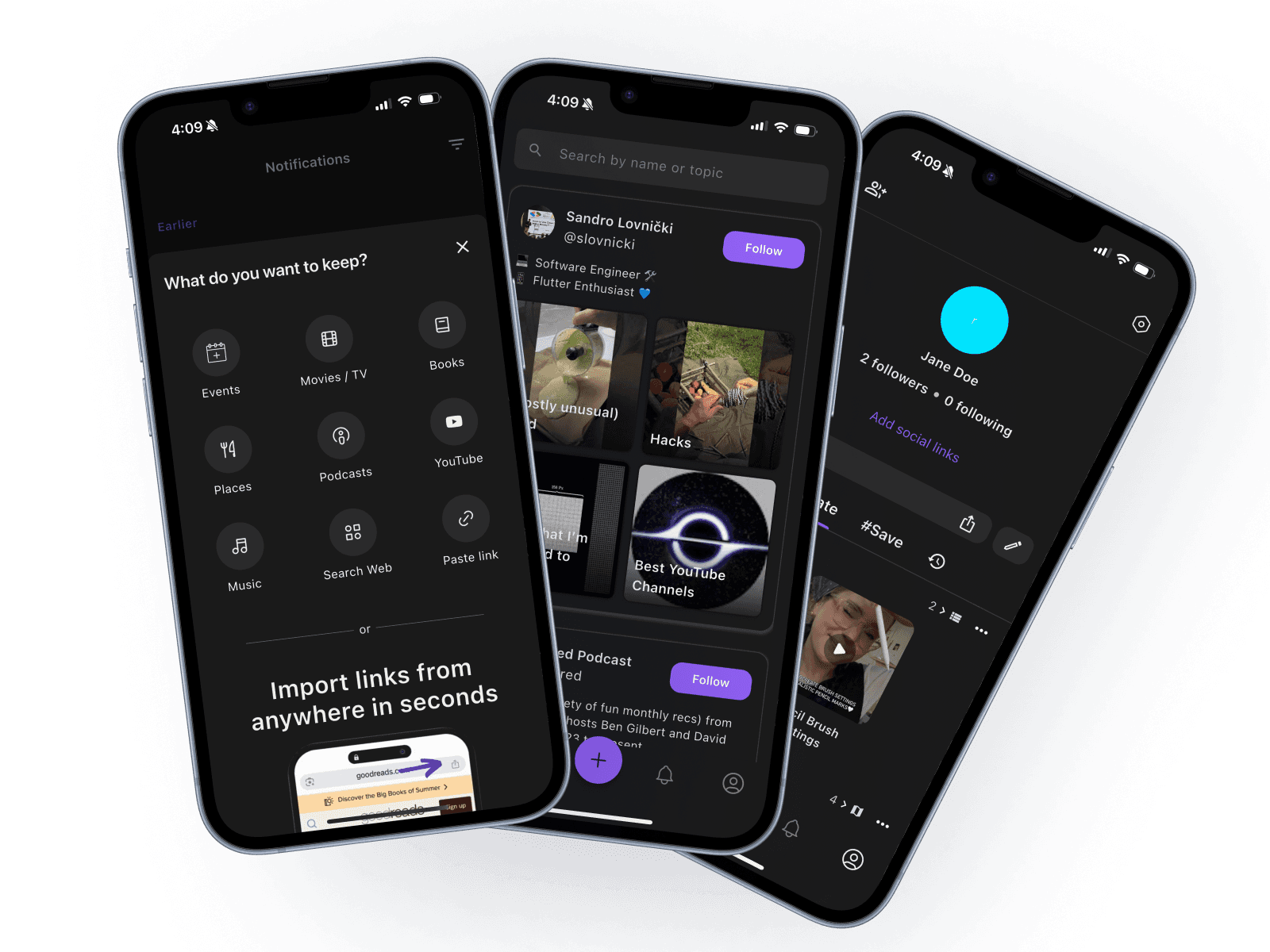
There was consistent confusion between two core actions: #Save and Curate.
Users weren’t sure where to begin or how to explore Keeplist's full capabilities.
This disconnect created a steep learning curve, especially for first-time users.
What our users said



Streamlined learning
To reduce friction and improve user comprehension,
we replaced the repetitive feature pop-up with a more intentional, streamlined approach.
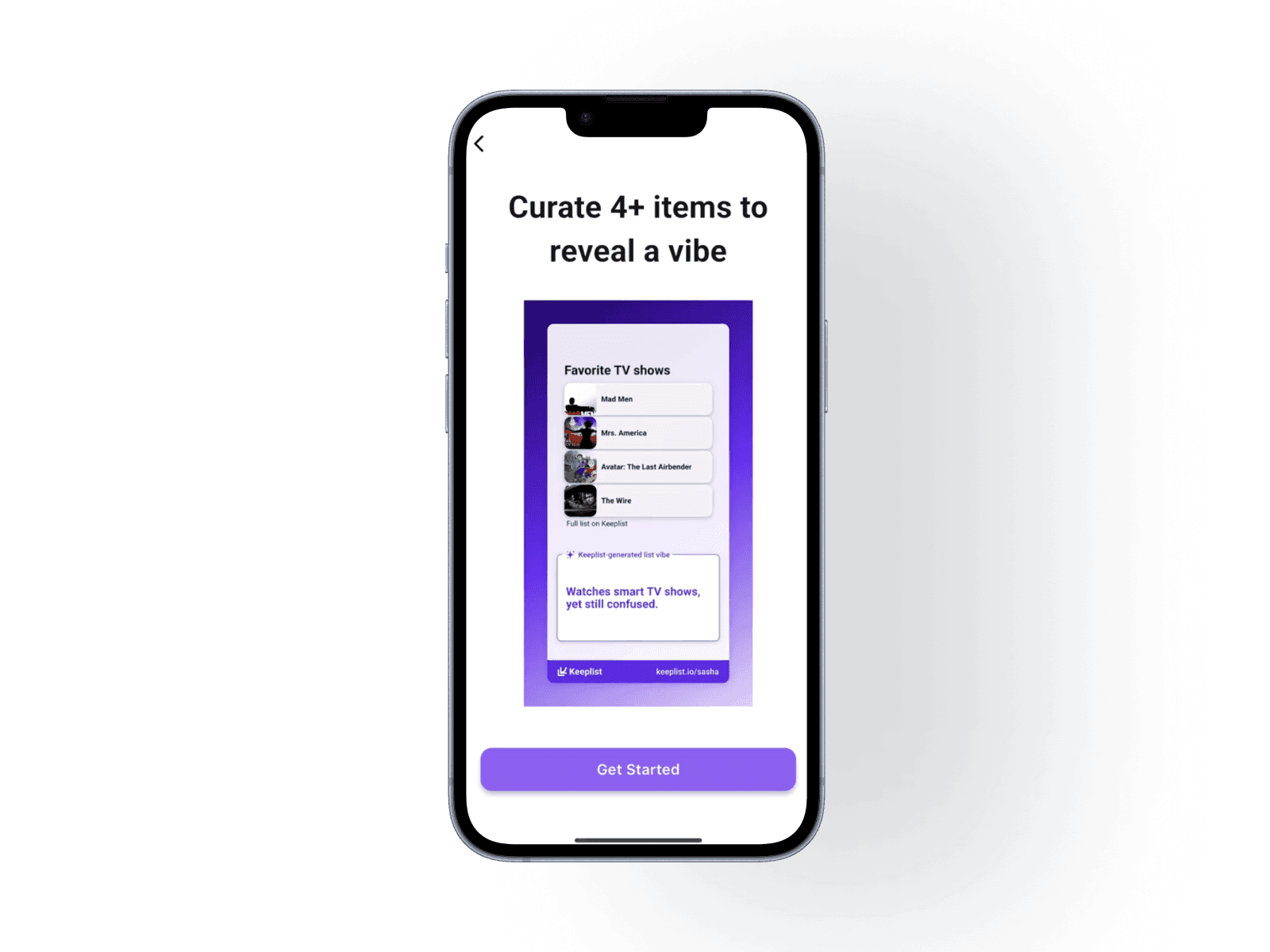
Now, the feature pop-up appears only once, at the right moment, to introduce users to the goal of adding four items to generate their first curated “list vibe.” From there, subtle, well-timed tooltips guide users through the process of saving items and building a curated list, without interrupting their flow.
This solution strikes a balance between guidance and exploration. Users are supported as they learn the core features, but also encouraged to explore independently. By focusing on contextual, action-based support, we were able to create a more intuitive and motivating first-use experience, one that helps users not only understand the app, but achieve early success with it.

The journey continues
Design is iterative, and this case study is no exception. Updates are on the way as we implement and test the latest solutions.